Fictional booking example
They picked Monday. The website showed Sunday.
What went wrong
A visitor chose Monday, November 2. The next screen showed Sunday, November 1.
Why it matters
A customer could show up on the wrong day or call to confirm when they’re booked.
How to fix it
Keep the calendar date the customer picked. On a test copy, check that the review screen, confirmation page, and any confirmation email show that same day.
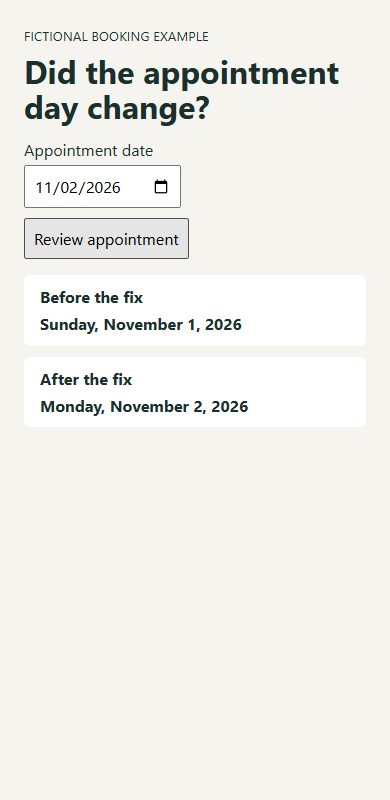
How we checked the fix
In this example, the repaired review screen kept the selected date in all 36 checks. We used Chrome, Firefox, and Windows WebKit at desktop and phone widths in three time zones. Confirmation emails and real bookings were outside this test.
Want a second look at your booking page?
Our $89 website review covers up to five public pages and one step you want customers to complete. We confirm the scope before you pay.
Request the $89 review