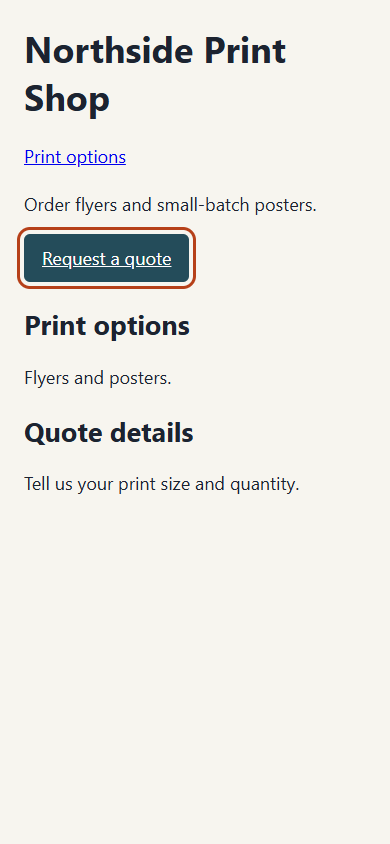
The button disappears on a small screen
- What goes wrong
- The “Request a quote” button moves off the side of the screen.
- Why it matters
- Visitors may leave because they can’t see how to ask for a price.
- How to fix it
- Keep the button below the introduction, where it fits on a phone screen.
Before The button is missing.
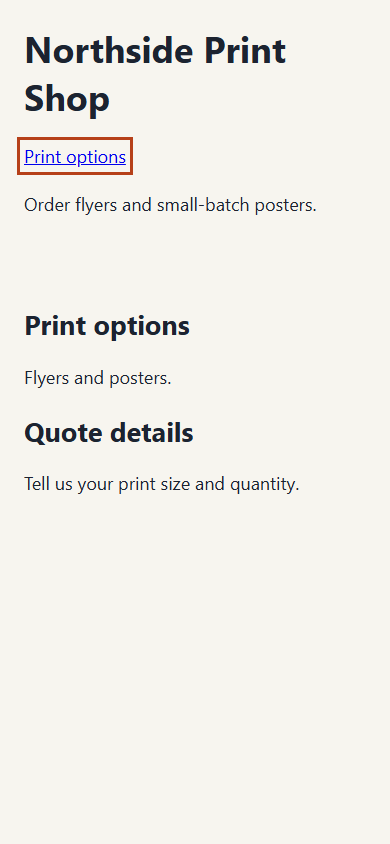 After The whole button is visible.
The Tab key skips the button
- What goes wrong
- Pressing Tab moves between links. Here, it skips “Request a quote,” even though you can see the button.
- Why it matters
- Visitors who use a keyboard to move around the site can miss the way to ask for a price.
- How to fix it
- Make Tab reach the button. Show an outline when the button is selected, and make Enter open “Quote details.”
Before Tab skips the quote button.
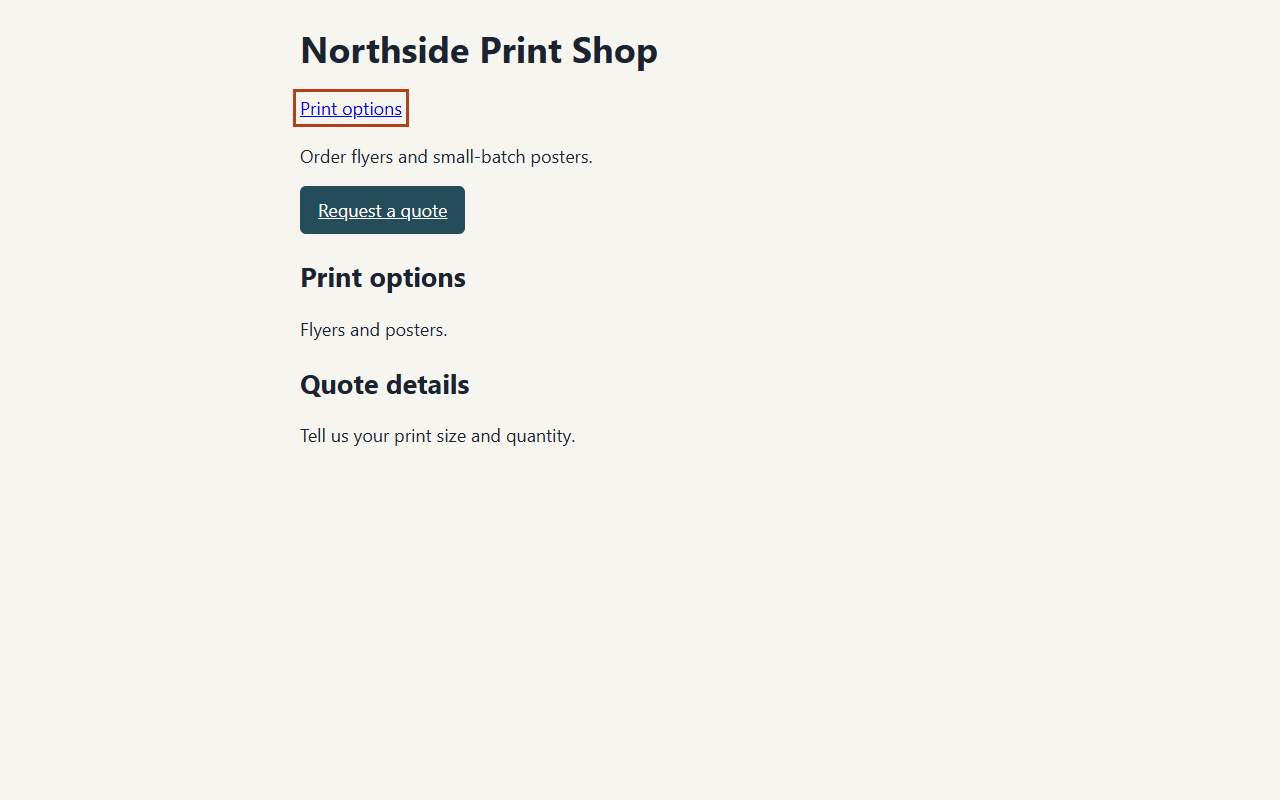 After Tab reaches the quote button.
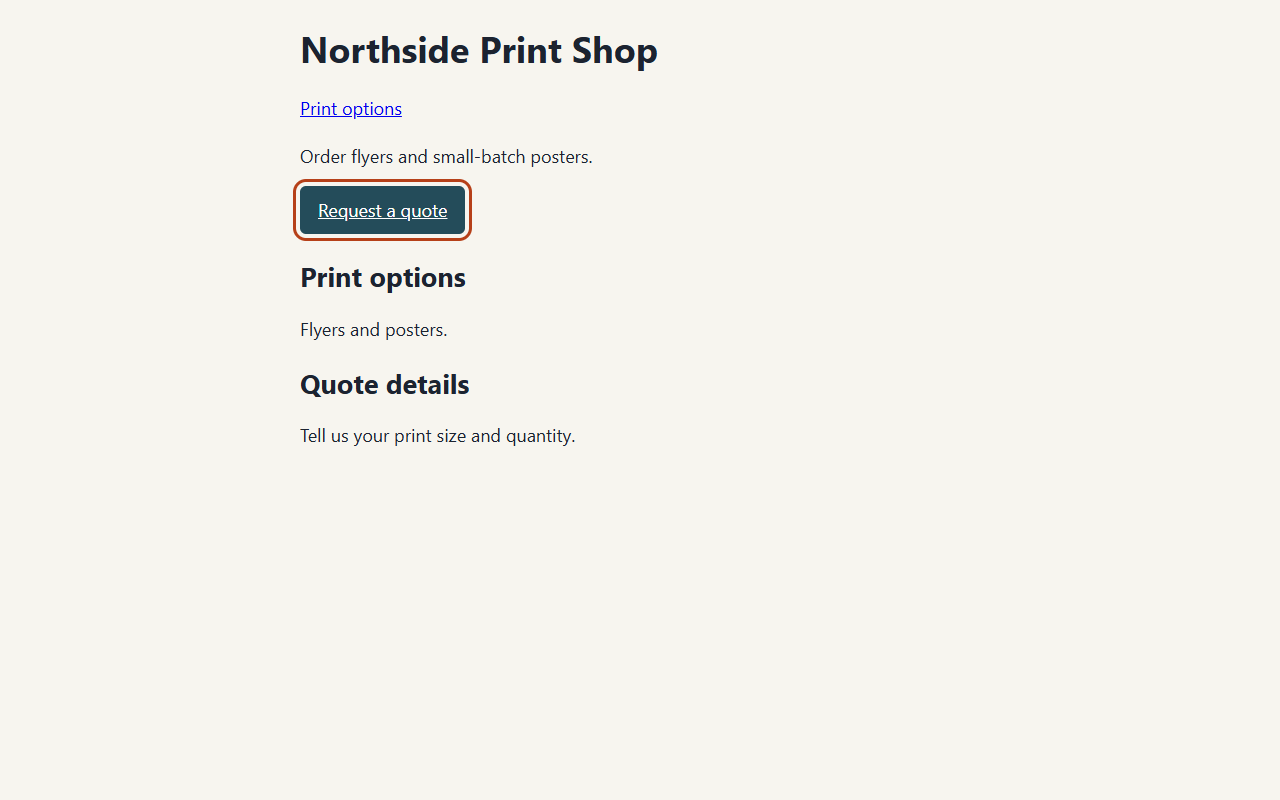
We pressed Tab until the button had an outline. Then we pressed Enter and “Quote details” opened.
 Morrowcove